
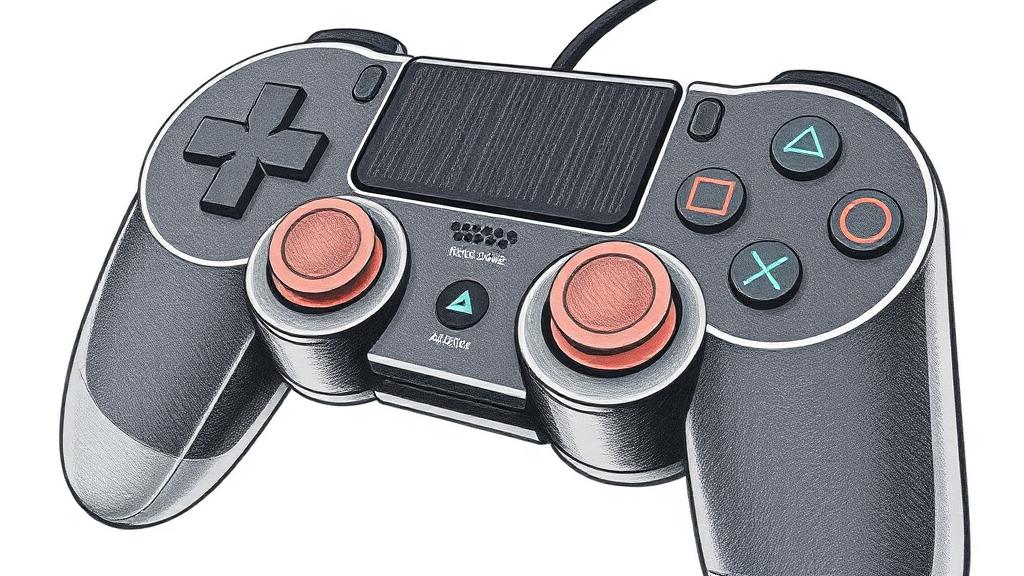
What age is a games console for? (Even a 3-year-old?)
Parents often ask about game consoles for 3 year olds, and the honest answer is that a console isn't really about the box — it's about the games and who your child plays with. A 3-year-old can happily play a gentle, single-player game on a Nintendo Switch with a parent beside them; the same child on an online shooter would be a disaster. The device is neutral. What you're setting up is the guardrails: what they can play, who they can talk to, what they can spend, and how long they're on. For little kids (3–6), stick to age-rated, offline, single-player games and play together.
Set up parental controls on every console
- PlayStation 5: create a Family, add your child, set an age level for games, restrict online chat and messaging, turn on spending limits / purchase approval, and set play-time limits.
- Xbox (Series X/S): use the Xbox Family Settings app — content/age filters, purchase approval, limit or turn off communication, and screen-time schedules.
- Nintendo Switch: install the Nintendo Switch Parental Controls app — set age ratings, restrict online communication, cap daily play time (it can auto-suspend the console), and disable eShop purchases.
The four things to lock on any console
- Age ratings — block games above your child's age so an 18-rated game can't just be downloaded.
- Online chat — limit voice and text chat to friends, or off. The biggest stranger-contact risk on any console.
- Spending — remove saved cards, require approval for every purchase, watch for in-game currency and loot boxes.
- Screen time — set a daily limit and a bedtime cut-off.
Which console for a young child?
If you're buying a first console for a younger child, the Switch is usually the gentlest starting point — a huge library of genuinely kid-friendly, offline games, and controls that are easy to run from your phone. PlayStation and Xbox are brilliant machines but skew toward older, online, competitive games, so they need more setup. And the single best "setting" isn't in a menu: keep the console in a shared room, not the bedroom. Before an online game is allowed, compare our guides to Fortnite and Call of Duty, then use our guide to setting up parental controls as the device-level backstop.
Games console FAQs
Are games consoles safe for a 3-year-old?
The console is fine; the games and online features aren't automatic. Choose age-rated, offline, single-player games, play together, and leave chat and spending switched off.
Which console is best for young kids?
Usually the Nintendo Switch — the biggest library of kid-friendly, offline games and simple phone-based controls.
How do I stop my child spending money on a console?
Remove saved cards, require a password or parent approval for every purchase, and disable the store where you can.
More gaming safety guides
Is Fortnite Safe for Kids?
Age ratings, voice chat, V-Bucks and the settings to change first.
Read articleIs Call of Duty Safe for Kids?
Why its adult rating, open chat and spending need a firmer line.
Read articleIs Roblox Safe for Kids?
Chat, user-made games, spending and the controls parents need.
Read articleHow to Set Up Parental Controls
A plain-English guide to device, app, network and monitoring controls.
Read articleLock it down — start tonight
Dad's free quick wins for Gaming consoles. Do step 1 tonight; the rest are in the members' guide.
- 1Create a child account linked to your adult account on every console
Not ready for the full guide? Grab the free age-by-age checklist
Six things that actually matter at each stage — by a mom of two. No spam, unsubscribe any time.
The rest of the Gaming consoles lockdown
3 more quick wins — plus the full screen-by-screen walkthrough.
The full screen-by-screen walkthrough for Gaming consoles lives in The Ultimate Parents Guide.
Device Scoreboard
Every device, scored head-to-head.
See alsoApp Scoreboard
App-by-app honest verdicts.
View ThenTalk to your kids
The conversation that makes the settings stick.
How to start